Antivirus+
Published 06/21/2024 Updated 07/10/2024
Antivirus+ is a modern graphical antivirus that I maintain. We support all operating-systems but Windows is the priority for anti-virus development / research.
What Does It Do?
- Desktop application that provides comprehensive malware protection with a user-friendly interface, focusing on Windows while also supporting other operating systems.
Media
 (Click to enlarge)
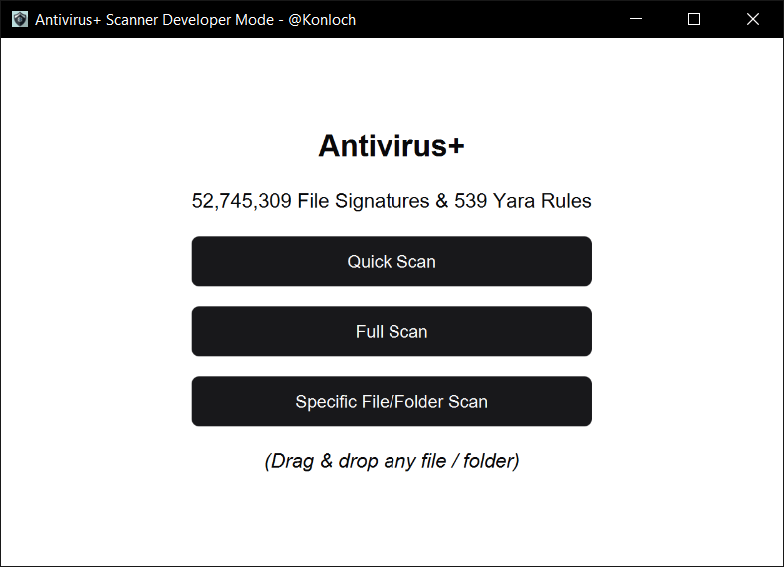 (Click to enlarge)
Links
Requirements
- Java 8 or greater
- Windows 11 (Earlier versions also work)
- Linux / Mac support works but has limited feature set:
- Experimental VM Mimic is currently windows only
General Features
- Mixes both static and dynamic file scanning
- Built on top of existing AV databases & tools
- Experimental modules
- Large signature database
- The tool is still early in development
Technical Features
- Scans using Yara & File signatures
- SQLite for database storage
- Automatically updates from ClamAV’s DB, Malware Bazaar, VirusShare, Yaraify & Yara
- You need to manually update AV+ itself though, the software will not self-update, only the signatures and scanning dependencies
How To Install
- Install the latest JRE (Must be on Java 8 or higher)
- Download the latest release
- Run the latest release
- You’ll have to wait for the initial download to finish before you can scan
- Due to the signature database size this can be up to an hour
- Report all issues here
How To Use
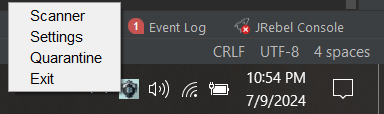
- Use the tray to access the various GUIs
- Scanner
- Settings
- Quarantine
How To Scan
- Drag and drop any folder or file you want to scan
- Full scan will scan all of your drives and files, this requires admin elevated rights for a deep scan but works without it
- Quick scan will scan all active processes, start-up locations & other well known locations
- Specific scan will prompt a file selection dialogue - select any file or folder from here
How To Remove Detections
- Open the quarantine from the tray
- Review the file-paths by hovering over the file-name to verify the file isn’t a false positive
Technology Credits
Notes
- Use in combination with Windows Defender or another trusted Antivirus
- Quarantine does not actually quarantine - Until we can rule out false positives from the yara rules we probably won’t have a realtime quarantine
- Instead, we have a passive quarantine that requires the user to decide if they want to remove the files or not
More Media
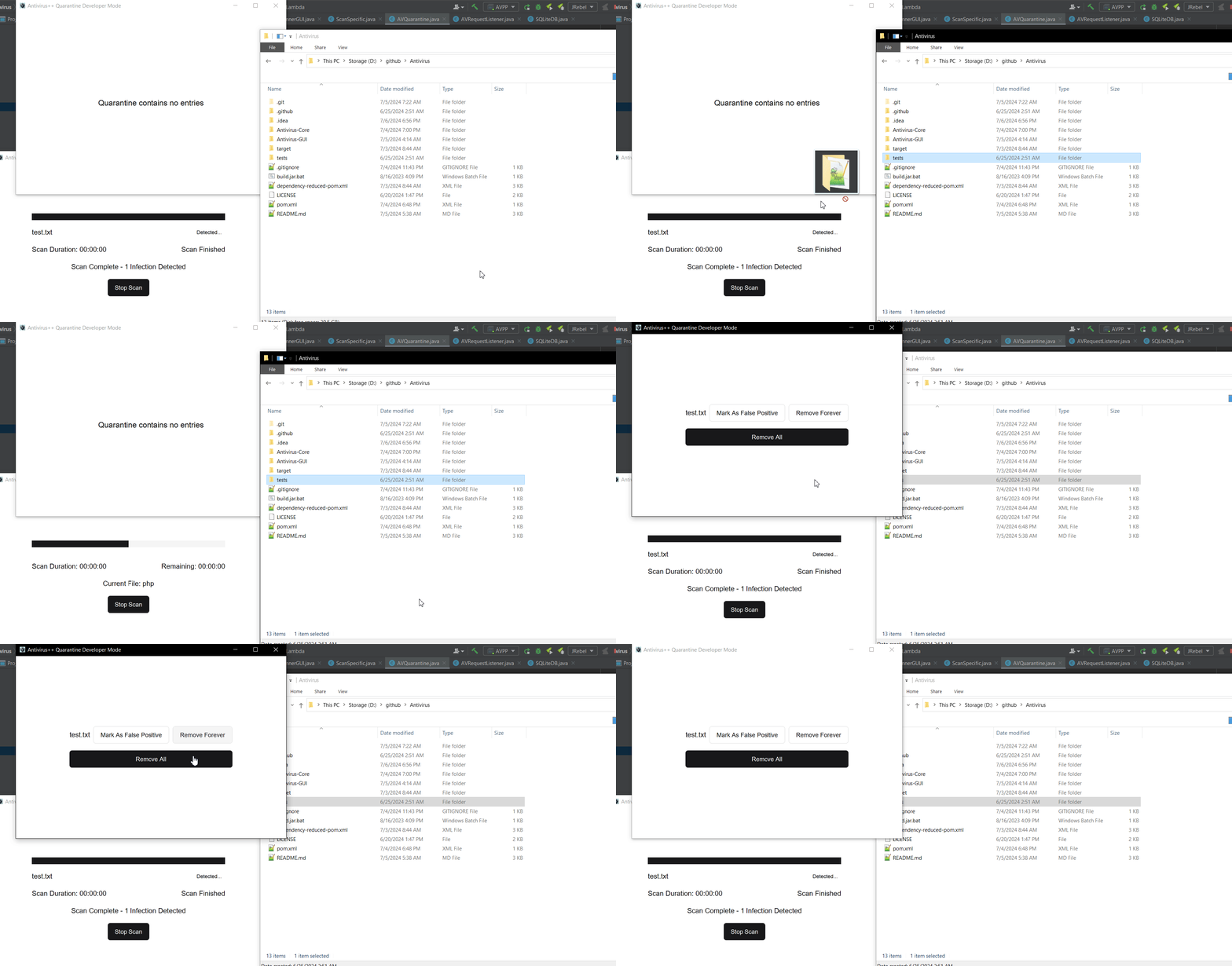 (Click to enlarge)
- Scanning GUI with Quarantine GUI
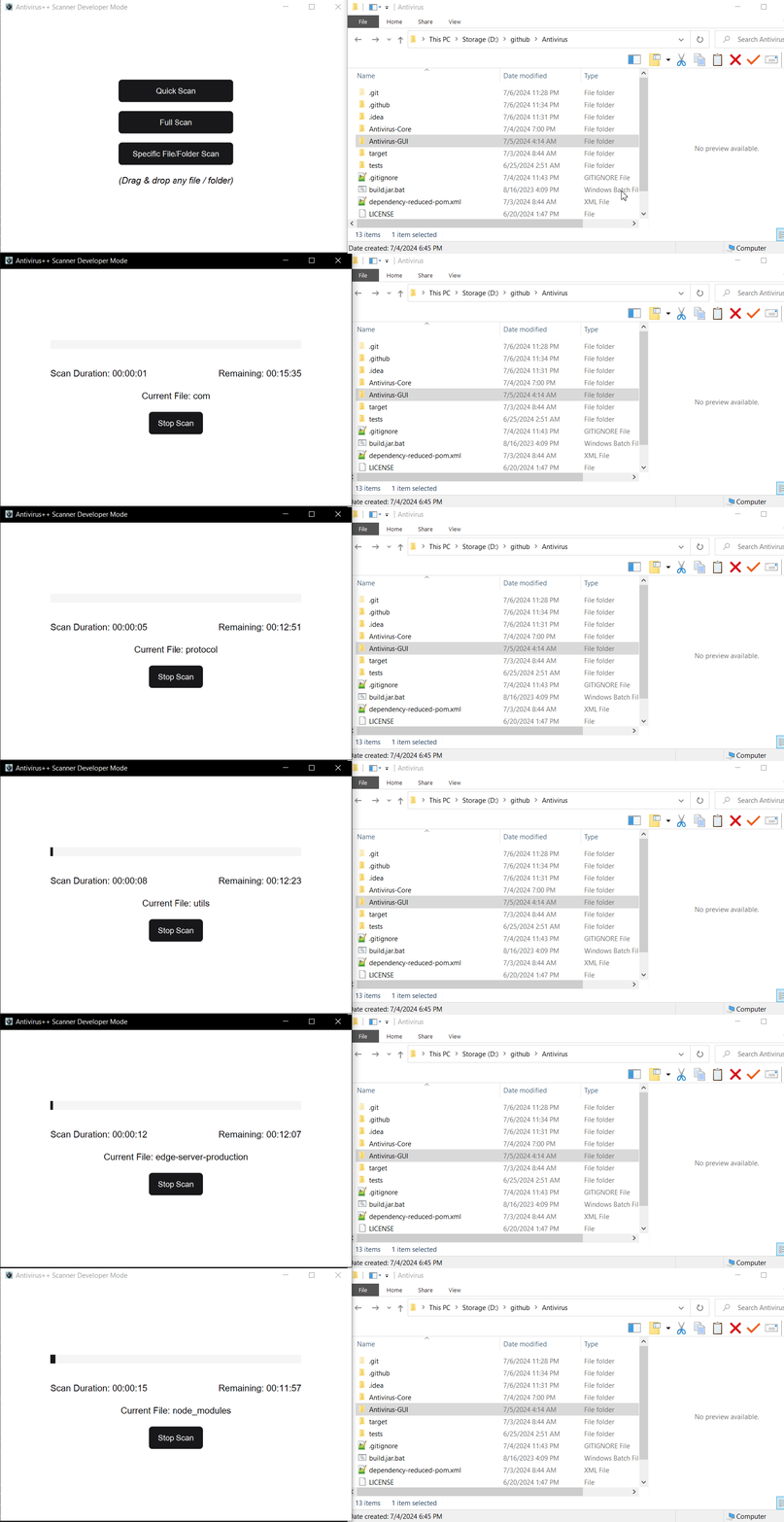 (Click to enlarge)
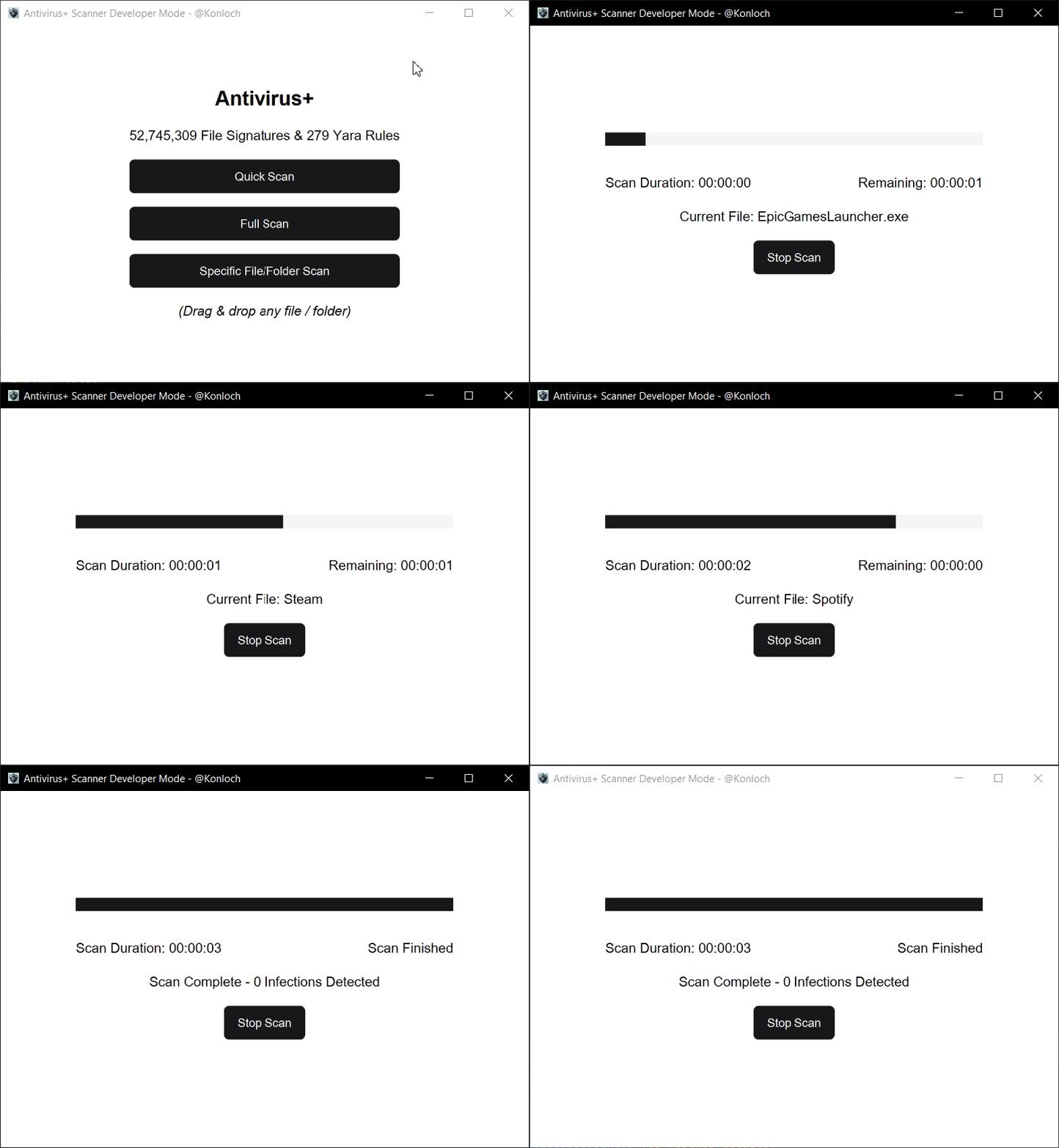 (Click to enlarge)
 (Click to enlarge)
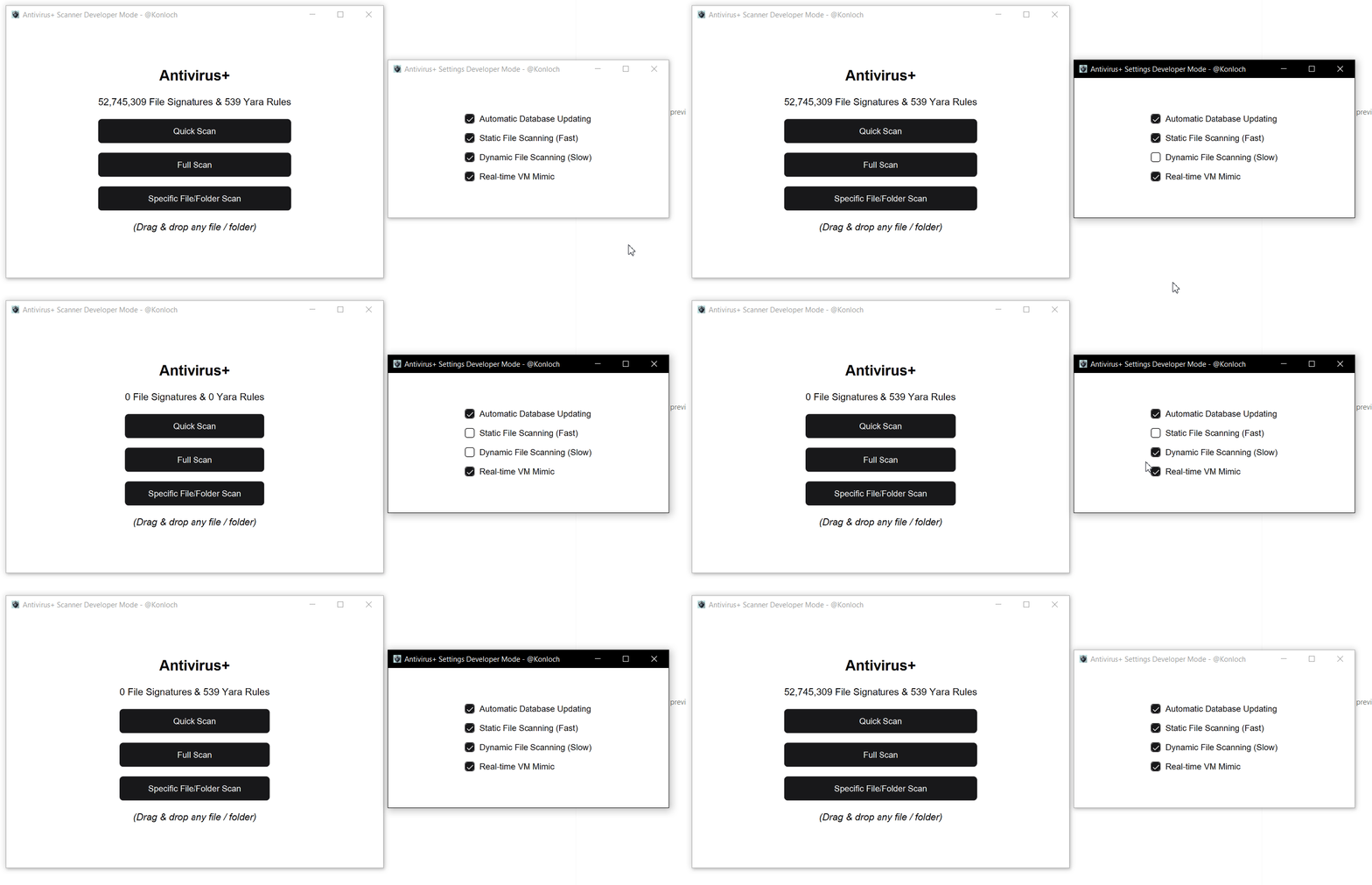
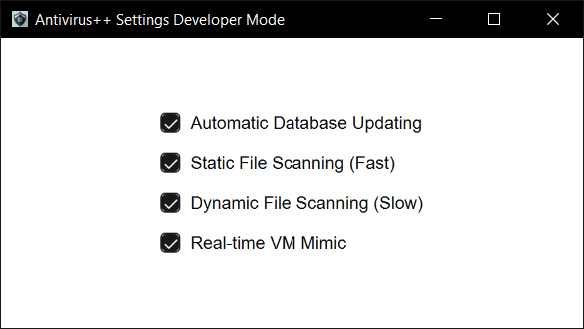
- Settings GUI with toggling the scanning options
 (Click to enlarge)
 (Click to enlarge)
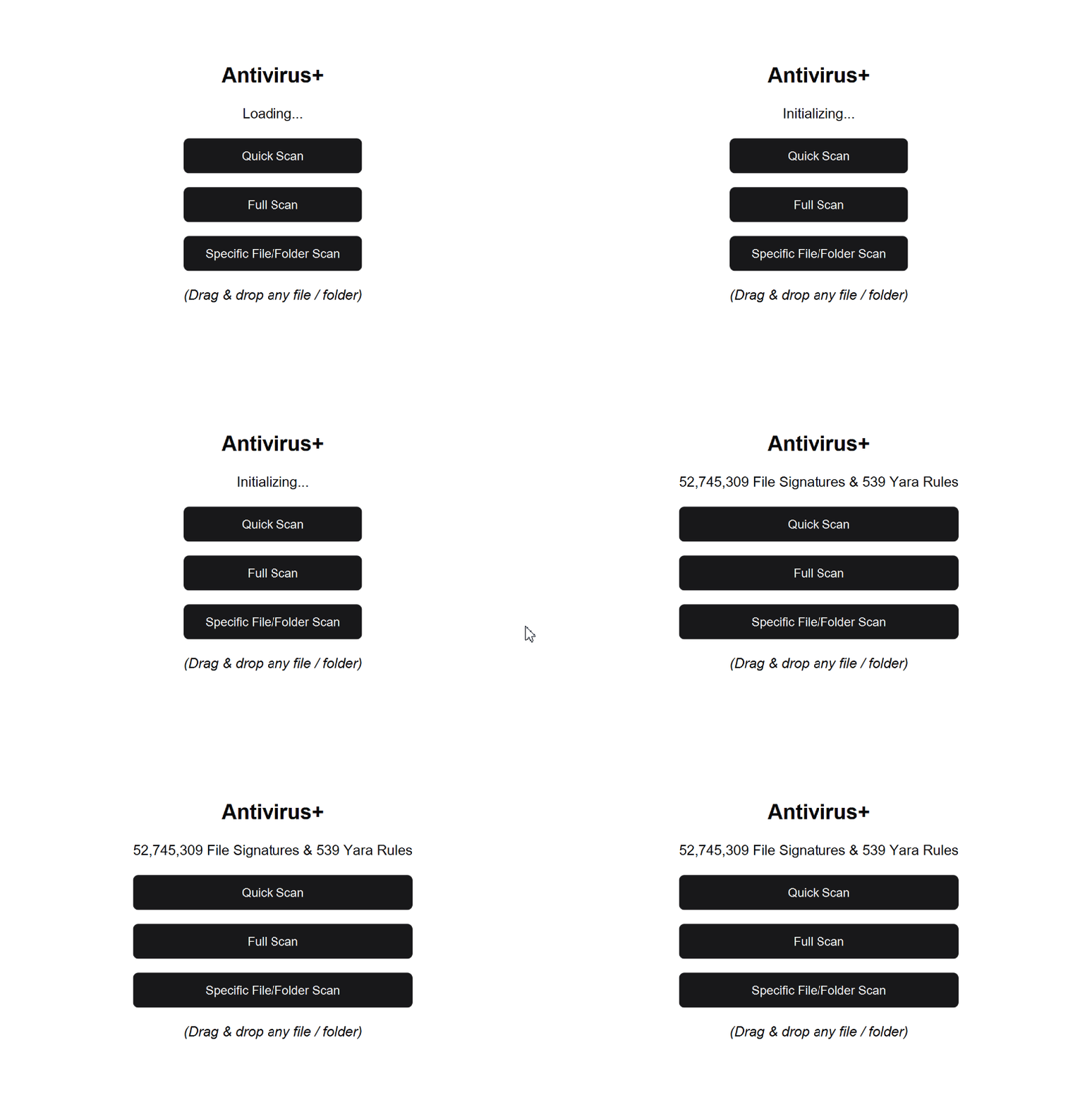
- Startup after fully installed
 (Click to enlarge)
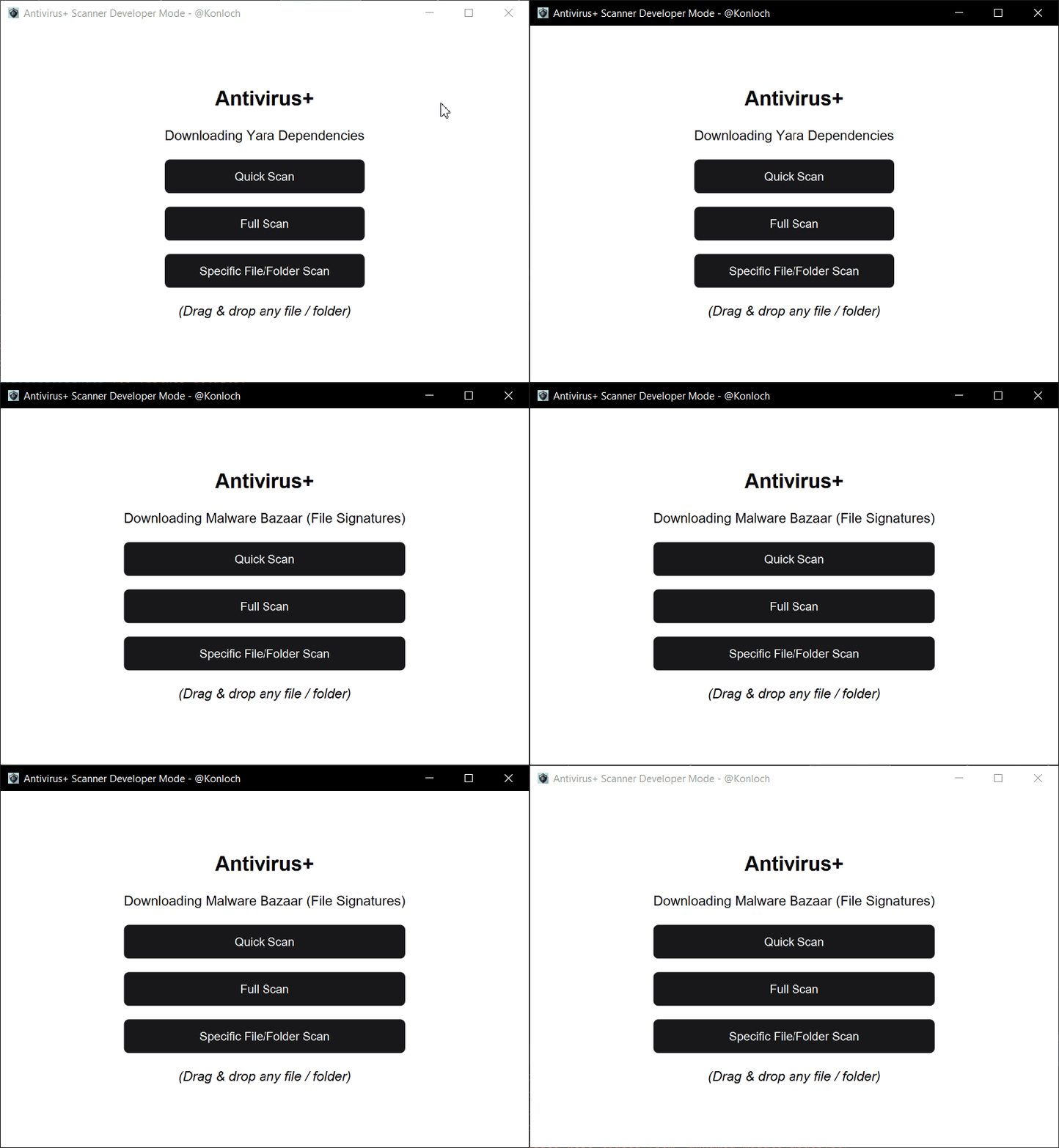
- Downloading dependencies announcements
 (Click to enlarge)
Latest Updates
This is the initial beta version of AV+, expect lots of bugs and issues with Mac / Linux. There is a lot to do.
Read More